In deze drie stappen start jij direct met TerraIndex Field:
- 1
1. Install Field once through your browser
Open a browser on your tablet and go to field.terraindex.com.
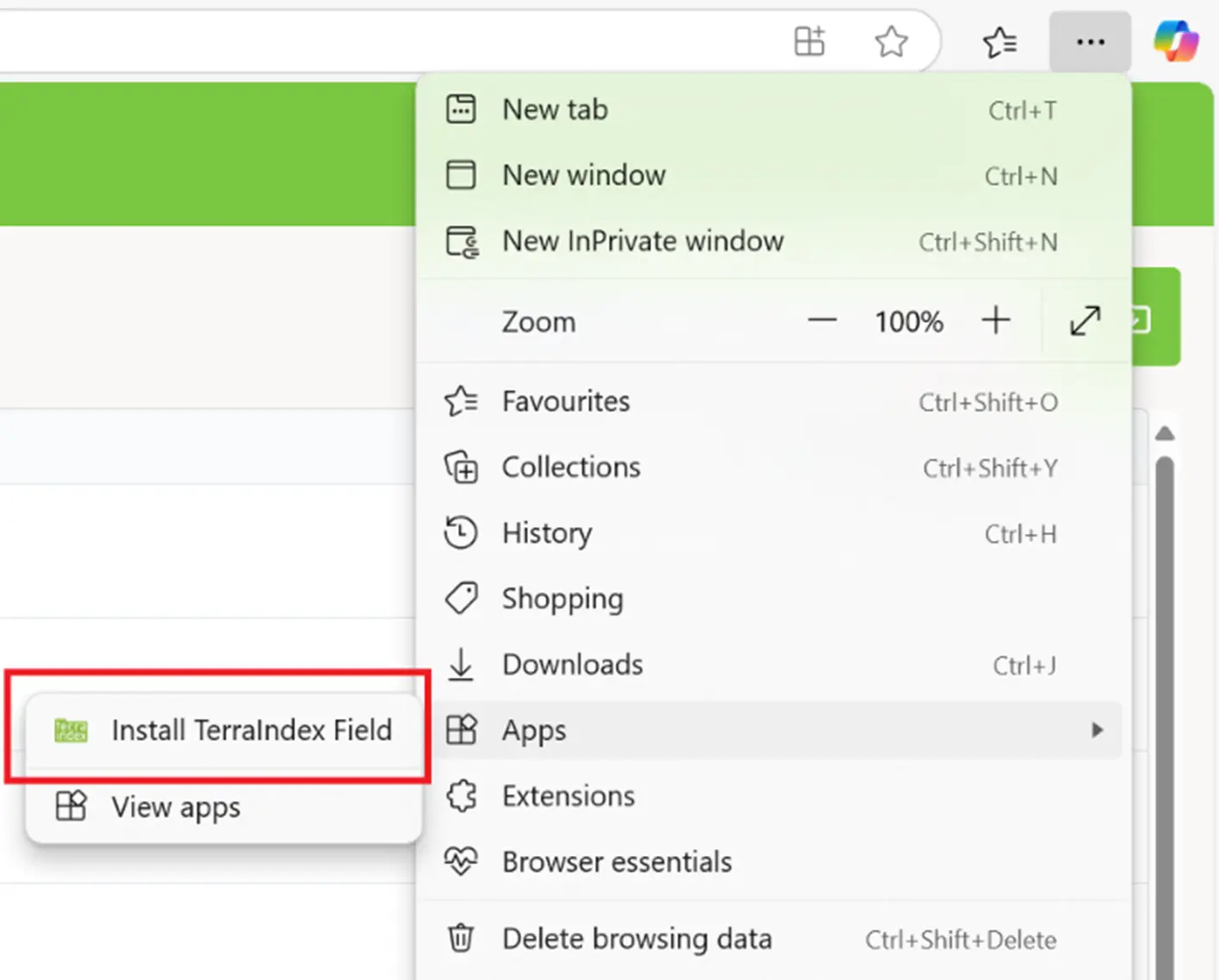
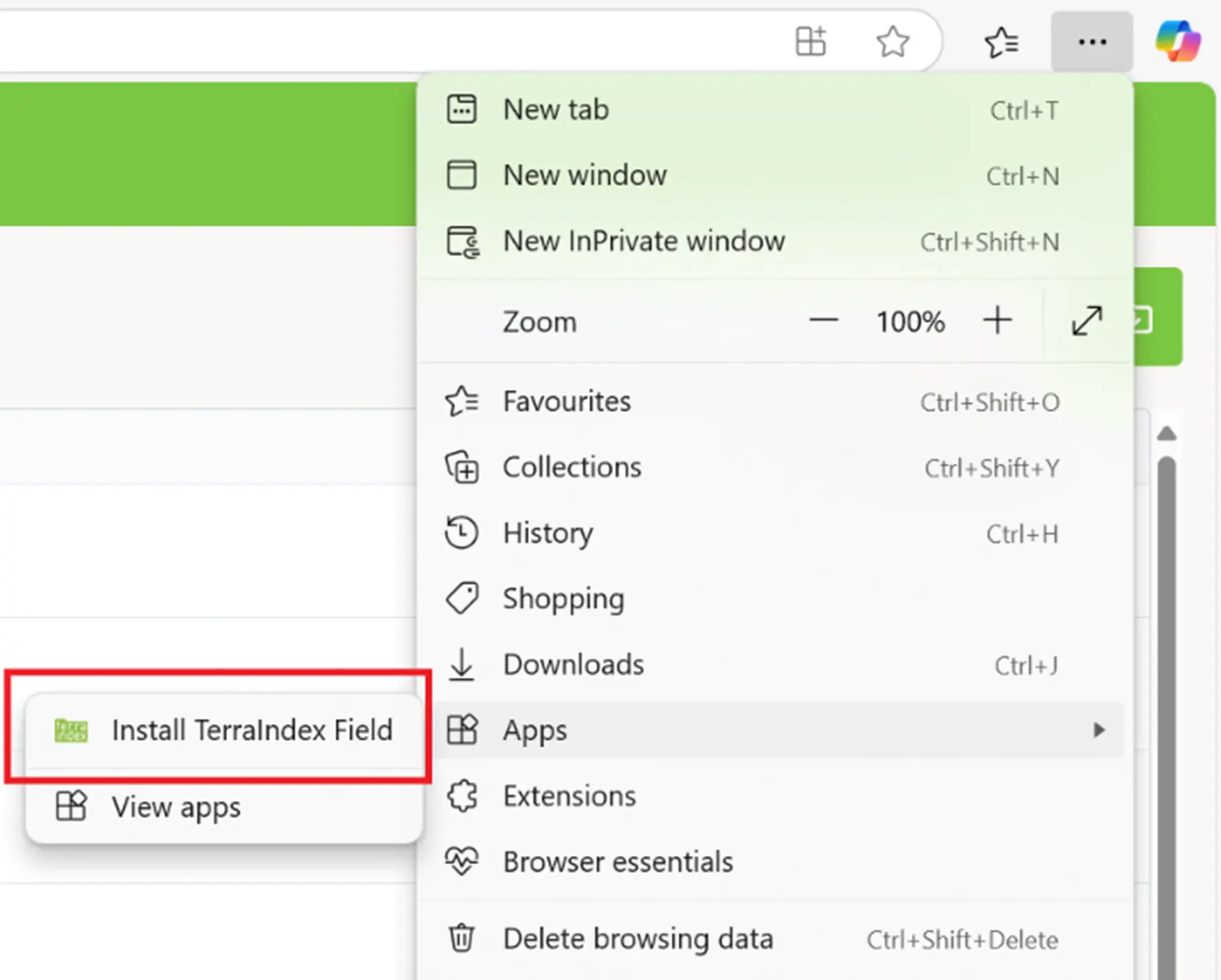
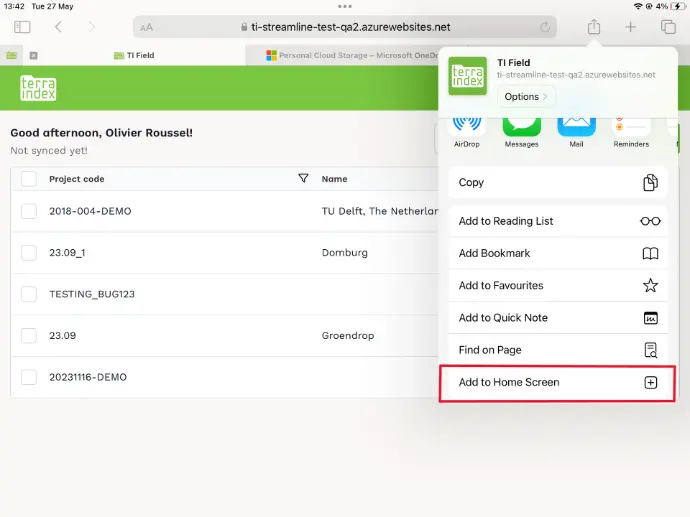
Sign in with your email address and password and add Field to your home screen. (see the instructions for each browser below)
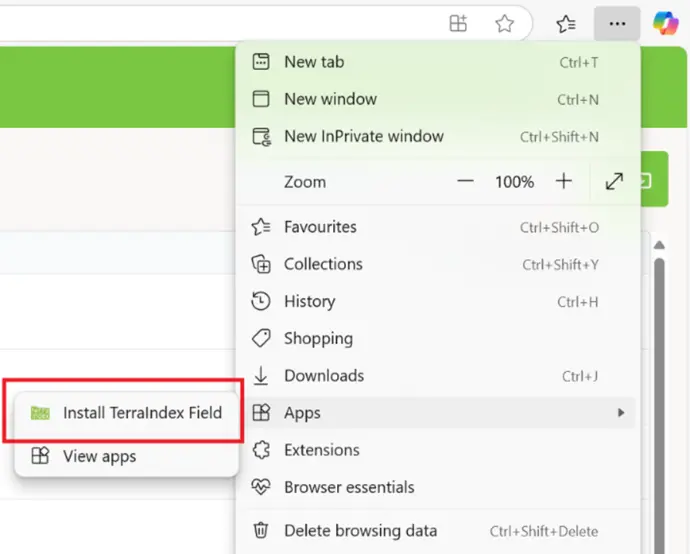
The app will then appear as an icon on your tablet; you will no longer need a browser. - 2
2. Synchronise your projects
Open Field and select Synchronise in the top right.
Your projects, templates and language settings will now be retrieved.
You only need to do this once before going out into the field.
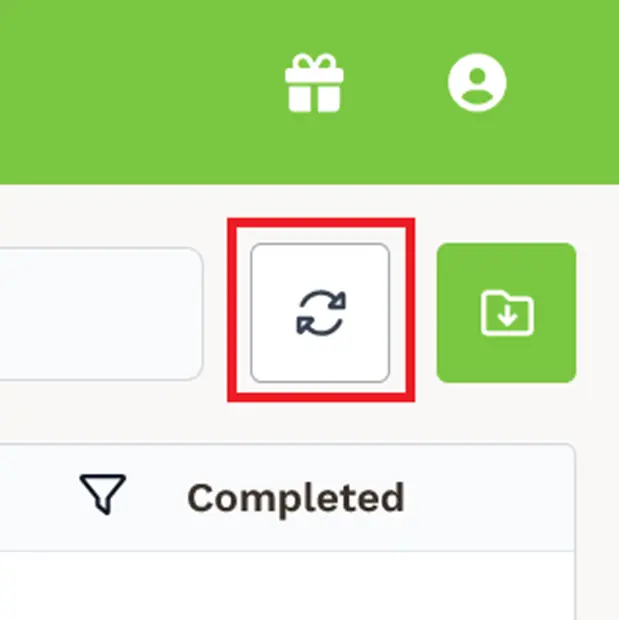
If you have many projects, this may take a little longer. - 3
3. Start working in the field
Once synchronisation is complete, you can start using Field straight away!
Work on a tablet, offline if necessary, and synchronise again later when you have an internet connection.

Enjoy using the new fieldwork app!
Still having trouble? Our service desk will be happy to help!
You can also download the more detailed guide here. It explains every step in detail and includes the system requirements.